Training Video Production for Consistent, Scalable Learning
Training video turns tribal knowledge into a repeatable asset. When processes live only in the heads of senior staff—or in unread PDFs—quality drifts, onboarding slows, and risk rises. Well-produced training content gives employees and partners a clear model of what good looks like, available on demand.
Grey Sky Films produces training and instructional video for organizations that need clarity without boredom. Through our production services, we collaborate with L&D, operations, and marketing stakeholders to film procedures, soft skills, product education, and compliance narratives that people will actually finish. Companies throughout NJ, NY, PA, CT, and beyond use video to standardize training across distributed teams.
Video is especially valuable when work is physical, visual, or multi-step. A paragraph can describe how to stage a station or navigate a workflow; a demonstration shows the standard. Pairing narration with clear visuals reduces ambiguity that written SOPs leave behind—particularly for new hires who do not yet know which details matter most.
This guide explains training video types, instructional design principles that belong in production, process and budget realities, and mistakes that make training content fail despite good intentions. Treat it as a shared brief for marketing, L&D, and operations before you greenlight a curriculum shoot.
Key Takeaways
Training videos succeed when learning objectives are explicit and each minute serves them.
Shorter modular lessons usually outperform long single videos for retention and updating.
Show the work: screen recordings, process footage, and demonstrations beat slide read-alongs.
Plan updates—training content has a maintenance cycle as processes change.
Production quality signals that the organization takes the standard seriously.
Review relevant examples in our case studies when scoping tone for technical vs. culture training.
What Training Video Production Includes
Training video production covers needs analysis with stakeholders, learning objective definition, scripting or outline design, on-camera or VO instruction, demonstration capture, graphics that reinforce steps, and delivery formats compatible with your LMS or intranet. It may include quizzes as companion assets, though assessment tooling often lives in the learning platform.
Unlike brand films, training prioritizes comprehension and correct action. That does not mean the work should look careless. Visual hierarchy, clean audio, and thoughtful pacing are instructional tools. Confusing framing or noisy audio creates cognitive load that competes with the lesson.
Organizations that refresh training regularly often embed shoots into ongoing content packages, capturing multiple modules per production block to keep libraries current.
When Training Video Is the Right Medium
Use training video for procedures that must be performed the same way, for soft skills that benefit from modeled behavior, for product education at scale, and for situations where live training is too expensive to repeat frequently. Video is less ideal as the sole method for highly personalized coaching or assessments that require live observation—though it can prepare learners for those sessions.
Onboarding: Role basics, tools, culture norms, and safety foundations.
Process standardization: SOPs that benefit from visual demonstration.
Product and sales enablement: Feature education and talk tracks with examples.
Compliance awareness: Scenario-based narratives that make policies concrete.
Production Process Built Around Learning Goals
Start with objectives written as observable outcomes: “Learner can complete X without assistance,” not “Learner understands X.” Structure modules around one primary objective each. Script for spoken clarity and visual demonstration beats. Then shoot with coverage that supports step-by-step editing.
Module type
Typical length
Best visual approach
Procedure / SOP
3–8 minutes
Close demonstration, numbered supers, pause points
Software walkthrough
2–6 minutes
Clean screen capture + VO, zoomed UI callouts
Soft skills model
4–10 minutes
Scenario scenes, do/don’t contrasts
Safety orientation
5–12 minutes
Real environment demos, clear warnings, recap list
Product education
3–7 minutes
Product hero + use-case chapters
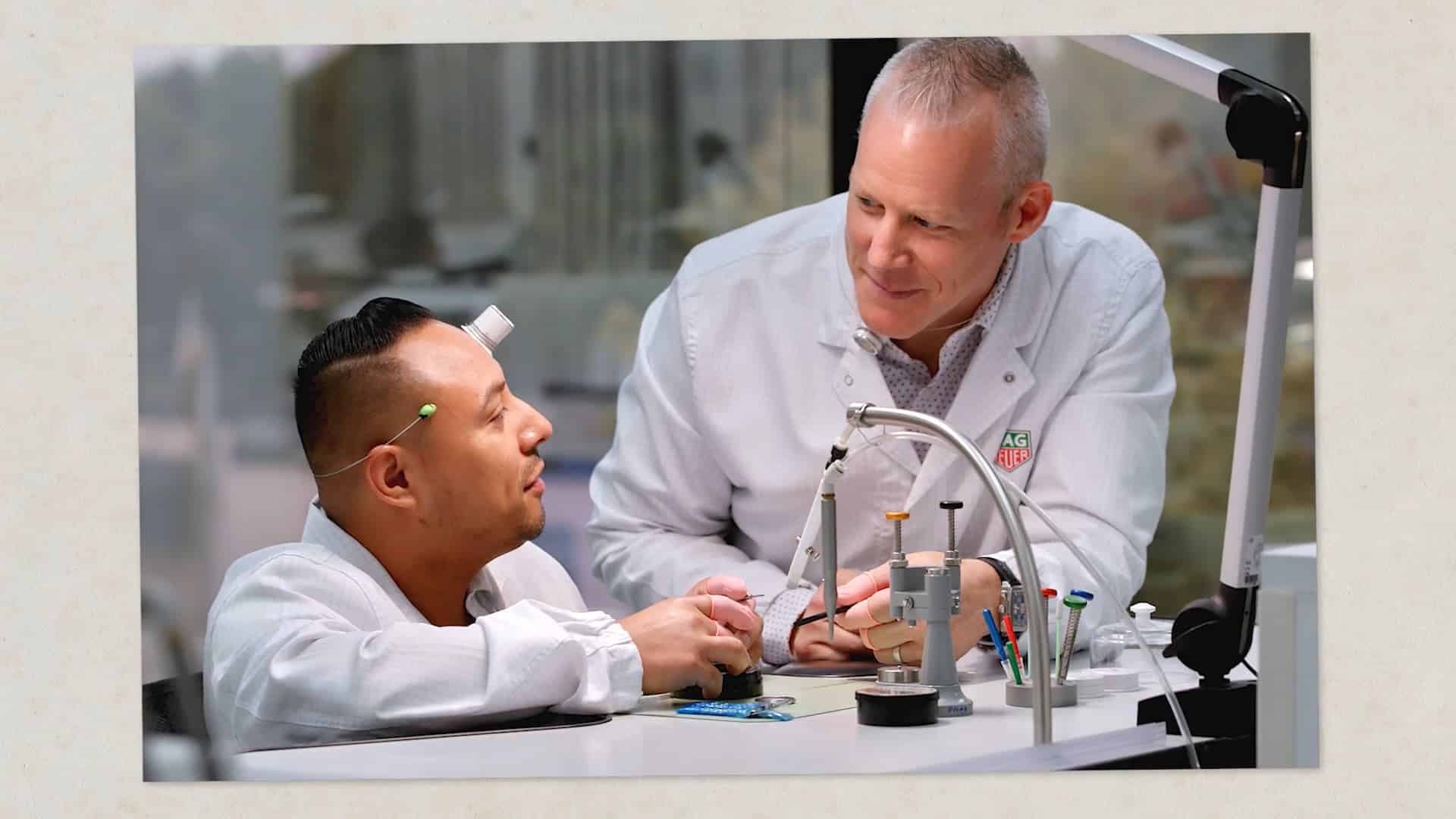
Even instructional content benefits from professional production craft. The example below shows the polish and control that help learners stay focused on the lesson rather than distracted by amateur presentation.
Instructional Best Practices for Video
Tell learners what they will be able to do, teach it, show it, then recap the steps. Use on-screen text for critical numbers, names, and warnings. Keep one idea per segment. Avoid dumping an entire handbook into a single timeline.
Cast instructors who know the work and can speak conversationally. Subject-matter experts often need directing help to slow down, face the camera’s needs, and avoid jargon without context. For multi-location companies, film once at a center of excellence, then localize supers or inserts as needed.
Design for updateability: avoid dating modules with temporary UI, seasonal promotions, or employee names unless those are essential. Chapter markers and modular files make revisions cheaper.
Budget Factors Decision-Makers Should Expect
Training budgets scale with module count, complexity of demonstrations, motion graphics, multi-language versions, and whether you need live action, screen capture, or both. A simple VO-over-screen series is leaner than multi-actor scenario training with locations and wardrobe.
Include a maintenance conversation in the first proposal. The cheapest training library is the one you can update without full reshoots. Ask how source projects are organized for future edits. Also clarify who owns raw footage and project files after delivery—internal teams often need them months later when a UI changes or a policy shifts.
Operational environments vary by sector; see our industries pages for context, and service areas for filming logistics near your facilities. If modules must be filmed in active workplaces, budget for off-hours access, safety briefings, and contingency time; those realities affect cost more than camera choice.
Common Mistakes in Training Video Projects
Starting production without learning objectives. Filming a leader reading slides. Making one 40-minute video that nobody finishes. Ignoring accessibility (captions, contrast, readable type). Skipping a pilot module before greenlighting a full curriculum.
Another frequent miss is excluding the people who do the job daily from script review. Managers approve messaging; practitioners catch inaccuracies that destroy credibility with learners.
Choosing a Training Video Production Partner
Hire partners who ask about objectives, audience skill level, and LMS constraints—not only about cameras. Request samples of instructional pacing. Confirm they can manage SMEs respectfully and translate expertise into clear visual sequences.
Grey Sky Films helps teams build training content that respects both craft and comprehension. Visit Grey Sky Films to learn more, then bring your curriculum outline to a scoping call.
To estimate a training series or pilot module, request a quote with objectives, module list, and where the videos will be hosted.
Working With Subject-Matter Experts on Camera
Training videos often feature the people who know the process best—and those people rarely think in instructional sequences. Your job is to translate expertise into learner-sized steps without stripping accuracy. Start with a knowledge capture session off camera: have the SME perform the task while a producer notes decisions, exceptions, and failure points. That session becomes the outline; the on-camera take becomes the performance of a cleaned sequence.
Teach SMEs to externalize judgment. Experts skip steps they consider obvious; learners need those steps. Ask them to narrate what they look for, what “good” looks like, and what common mistakes appear. When demonstrating tools or machinery, film wide enough to orient and tight enough to show critical hand positions or interface details. Reshoot micro-steps rather than hoping zoom-ins in post will invent clarity.
For scenario-based soft skills training, write beats like a short play: situation, pressure, choice, consequence. Show preferred behavior and a credible incorrect approach when useful—adults learn from contrast. Keep scenarios realistic for your workplace; exaggerated drama reduces transfer back to the job.
Protect psychological safety. Employees may worry about looking imperfect on camera. Explain that training film is about teaching, not personal evaluation, and that retakes are normal. When organizations treat participants respectfully, you get better performances and more willingness to update modules later.
Measuring Training Video Effectiveness
Training video should change behavior or reduce errors—not only check a completion box. Partner with L&D to define leading and lagging indicators before production: quiz scores, time-to-competency for new hires, observed audit results, support ticket themes, or manager assessments after rollout. Choose measures that match the objective; a culture onboarding film and a lockout/tagout procedure module should not share identical success metrics.
Instrumentation matters. Use LMS reporting for completion and assessment. Spot-check whether learners can perform tasks after watching without the video open. Gather qualitative feedback on pacing and clarity after the first cohort, then revise. A pilot-and-iterate approach costs less than producing twenty modules and discovering a systemic clarity problem at the end.
Pilot one module with the real audience before scaling a full curriculum.
Track which segments learners rewind—often a signal of confusion or high importance.
Version-control modules so audits can show which training was active when.
Schedule content owners for each module to prevent orphaned, outdated lessons.
When leadership asks for ROI, translate outcomes into operational language: fewer escalations, faster onboarding weeks, more consistent customer experience. Training video is infrastructure. Treat it with the same seriousness you give other systems that standardize how work gets done.
Accessibility and Inclusive Design in Training Video
Training content must be usable by the workforce you actually employ. Captions are baseline—not only for hearing accessibility, but for learners in loud facilities or shared offices. Ensure on-screen text is large enough to read on common devices, contrast is sufficient, and critical information is not conveyed by color alone. If you rely on visual demonstrations, narrate the key actions so audio-only contexts still teach.
Language access matters in multilingual teams. Decide whether you need full VO localization, caption translation, or bilingual supers. Localization is easier when modules avoid hard-burned English text in complex graphics; plan editable title projects from the start. For safety-critical training, do not treat translation as a last-minute pass—accuracy review by fluent practitioners is part of risk management.
Inclusive examples also improve learning transfer. Scenario characters and workplace visuals should reflect the roles and people who do the work. Exclusion is not only an ethics issue; it reduces credibility with learners who cannot see themselves in the standard you are teaching.
Frequently Asked Questions
How long should each training video be?
Most modules work best under about eight minutes, with many procedural lessons even shorter. Split dense topics rather than forcing one long runtime.
Do we need professional actors?
Not always. Real employees often increase credibility for process training. Scenario-based soft skills may benefit from experienced on-camera talent.
Should training videos include quizzes?
Assessment usually lives in your LMS. Videos can tee up knowledge checks with recap prompts, while the platform handles scoring and compliance records.
How do we handle software that changes often?
Use modular screen-capture chapters, avoid hardcoding ephemeral UI in live-action plates, and schedule quarterly refresh windows.
Are captions required?
Captions improve accessibility and comprehension in open offices. Plan them as standard deliverables, not optional extras.
Can one shoot cover multiple modules?
Yes—if outlines are ready. Batching demonstration setups and instructor days is one of the best cost controls in training production.
What about multilingual versions?
Plan language versions early. VO replacement, captioning, and on-screen text localization each have different cost profiles.
Conclusion
Training video production is an operational investment: clearer standards, faster onboarding, and fewer inconsistencies across teams. The strongest programs are modular, objective-driven, and built for updates.
If you need training content that teaches cleanly and looks intentional, Grey Sky Films can help you plan and produce it. Request a quote to discuss your learning goals and module roadmap.
Need Help With Your Training Video?
Talk with Grey Sky Films about planning, producing, and delivering training video that supports your brand and business goals.
We combine strategic thinking with cinematic storytelling to create videos that not only look great and also drive real results, and here’s what makes us different.
25+ Years Experience
Award-winning expertise you can trust
National & International
Serving clients across NJ, NY, PA, CT and beyond
Full-Service Production
End-to-end solutions from concept to delivery
Multi-Industry Specialists
Experts in Healthcare, Pharma, Industrial, Non-Profit and more
Real Clients, Real Reviews
Don’t just take our word for it! Hear directly from the brands and businesses we’ve partnered with to bring their stories to life.
"I’ve worked with GSF on several projects over several years and I knew they would knock it out of the park with the production. Mark Serao, as a director, is very observant, very collaborative with no ego, and he’s great at problem-solving. It was a fun [project] to do!”
Rob SchnappSenior Vice President, Executive Creative Director, Coyne PR
“We were going through a rebrand process and we needed a partner that was agile and could jump right in and satisfy our video needs. We needed to trust that we took on a partnership to deliver work that was of the same quality that we deliver to our clients, and the Grey Sky team did just this, they exceeded our expectations.”
Jess SpataroBrand Director/Strategist Lead, Studio Eagle
“Wow! I love working with Grey Sky. They put a tremendous amount of effort into every project. 1) They care about the quality of the work. 2) They care about you as a client. 3) They want to ensure that you get everything you need and more. You can tell that they care about the relationship and will work hard to deliver high quality, ahead of schedule and at a reasonable price. It’s rare to find a partner who delivers so much on every level.”
Alon FederDirector of Marketing, Leafguard
“We had an incredible experience working with the team at Grey Sky Films. Their creative ideas and direction helped us translate our message to a series of television commercials which have been well-received by our target audience.”
Rhonda MarazitiChief Marketing Officer, Withum+
"The team at Grey Sky is fantastic to work with-professional, responsive, and attentive to our needs. They provide excellent creative direction and make it easy to collaborate, even though none of our film participants are professional actors. The final product is always outstanding."
Phillippe BeekmanSenior Vice President, Hunterdon Health Foundation
"I’ve worked with Grey Sky Films for over a decade. They were the first production company I hired after interviewing countless others, and that decision set the tone for everything that followed. Mark and Dana were deeply invested in the project from the start. They consistently went above and beyond to create a professional, comfortable on-set environment, while also pushing the creative to ensure the final product was something we were all truly proud of. Over the years, I continued collaborating with the Grey Sky team as both an actor and producer, building a relationship rooted in trust, creativity, and shared vision. I’m especially proud to say that our most recent project together brought award-winning actors to set and attracted the attention of producers who went on to pitch the pilot to major networks, including The WB, Freeform (now part of The Walt Disney Company), and Paramount."
Stacey Van Gorder LeungProducer, Founder SV Acting Studio
Our Simple Process
From the first call to a final cut, our streamlined method ensures clarity, creativity, and results without the stress or guesswork.
We start by understanding your goals, audience, and vision through in-depth consultation
Plan
Develop a comprehensive strategy including scripting, storyboarding, and production scheduling
Action
Execute the production and deliver a polished final product that achieves your objectives
Our Clients
Trusted by leading brands across all industries
Ready To Start Your Project?
From initial concept to final delivery, we handle every step of the video production process, crafting powerful stories that captivate your audience, amplify your brand, and drive real results.